






See which lists need you, at a glance
Home shows every group as a card. Waiting faces still have work left; smiling faces are done. No badges, no counting.

 Errands2 left

 WorkAll done

 Groceries7 left
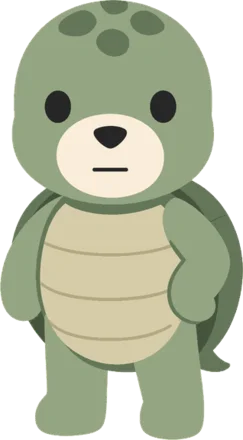
APA gives each of your lists its own character. Tick off the last to-do and its face lights up, in the app and on your Home Screen. It's a small reward that makes the end of the list worth reaching.
This is the real thing, the same card you'll see in the app. Finish all three and see what happens.


Home, Work, Groceries, Gym. Each list gets its own character, so you can tell them apart at a glance.
A to-do can be just a title. Turn on a due date or a repeat when it matters, and APA reminds you on time.
While anything is left, the face waits. Tick off the last one and it smiles, until there's something new to do.
Most to-do apps keep score with numbers. APA uses something you notice without reading: a face that's waiting for you, or one that's happy.
Home shows every group as a card. Waiting faces still have work left; smiling faces are done. No badges, no counting.
Errands2 leftWorkAll doneGroceries7 leftA to-do is a title with two switches. Add a due date, a repeat, or neither.
Deadline and repeat reminders arrive as normal iPhone notifications, even when the app is closed.

Nothing to sign up for. Your lists never leave your phone.
APA follows your iPhone's language. Your own lists are never translated.
Tick a to-do straight from the widget, without opening the app. The face flips to a smile on time, even when APA is closed. Try tapping a circle on the left.
Pick one per list, or use the same favourite everywhere. Hover or tap to see them smile.
New characters arrive without an app update.
or $6.99 every 3 months





Billed through your Apple ID. The App Store shows the price for your country.
APA is launching soon on the App Store for iPhone.
Free download. Requires iOS 26. Plus is optional.